Screenshots
App Screenshots
Welcome to our app screenshots page! Dive into the visual tour of our app’s features and user interface.
Simple UI
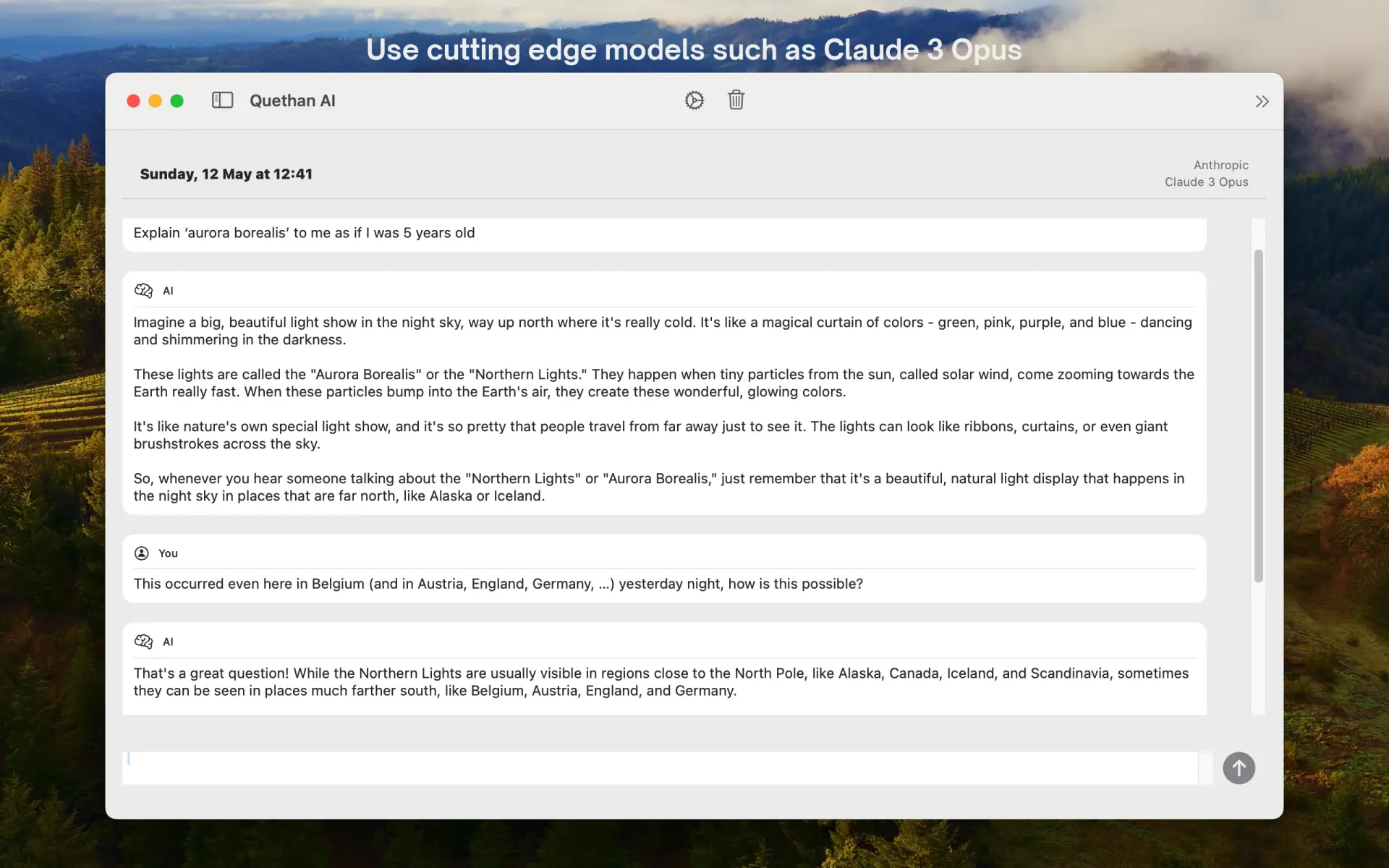
Enjoy a clean and simple user interface that lets you interact effortlessly with your favorite AI models.
Configure your chat
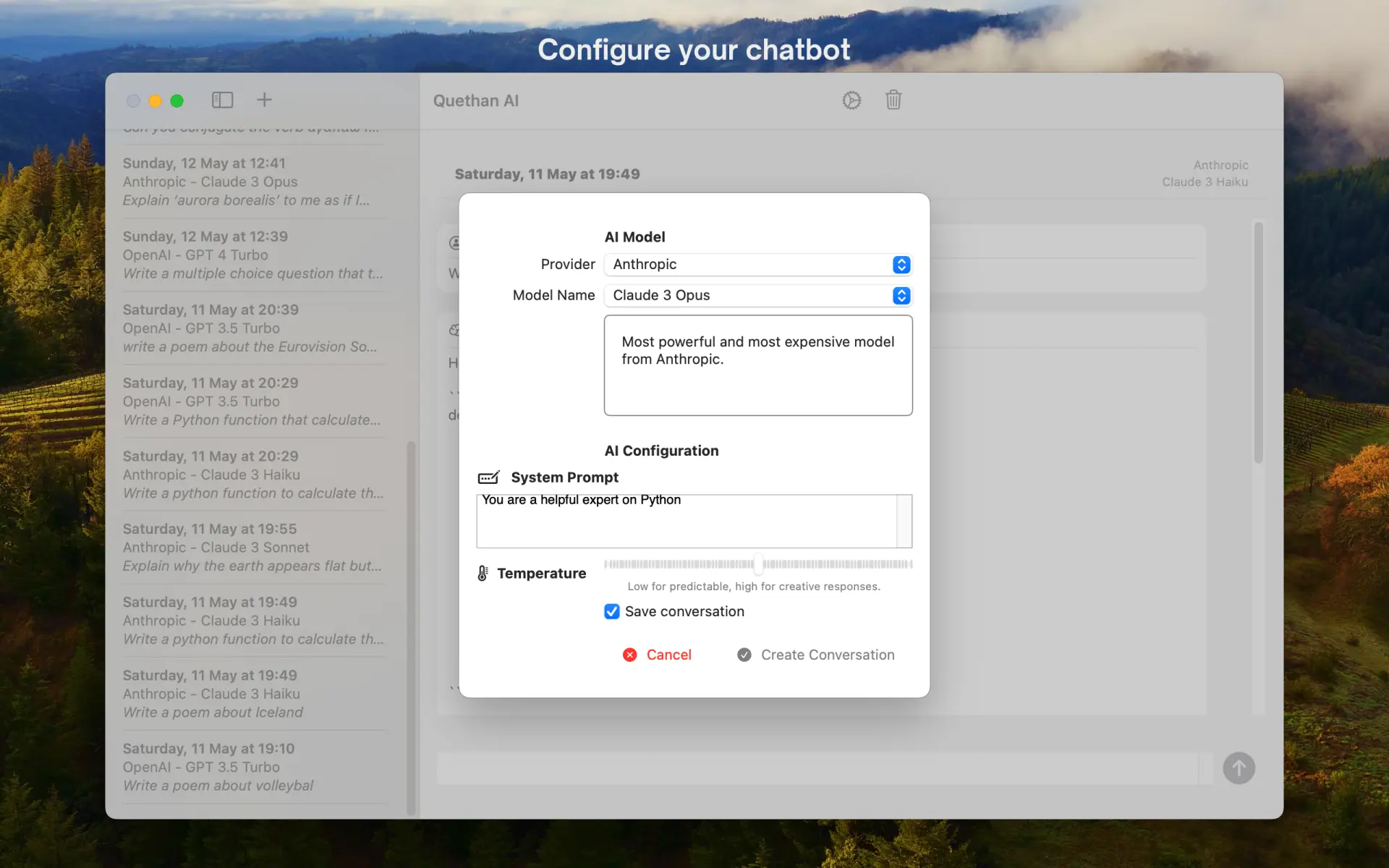
Customize your chat experience with precision. Choose your preferred AI model, set up a custom system prompt, and fine-tune the creativity and randomness of responses by adjusting the temperature setting to meet your specific needs.
Settings Panel
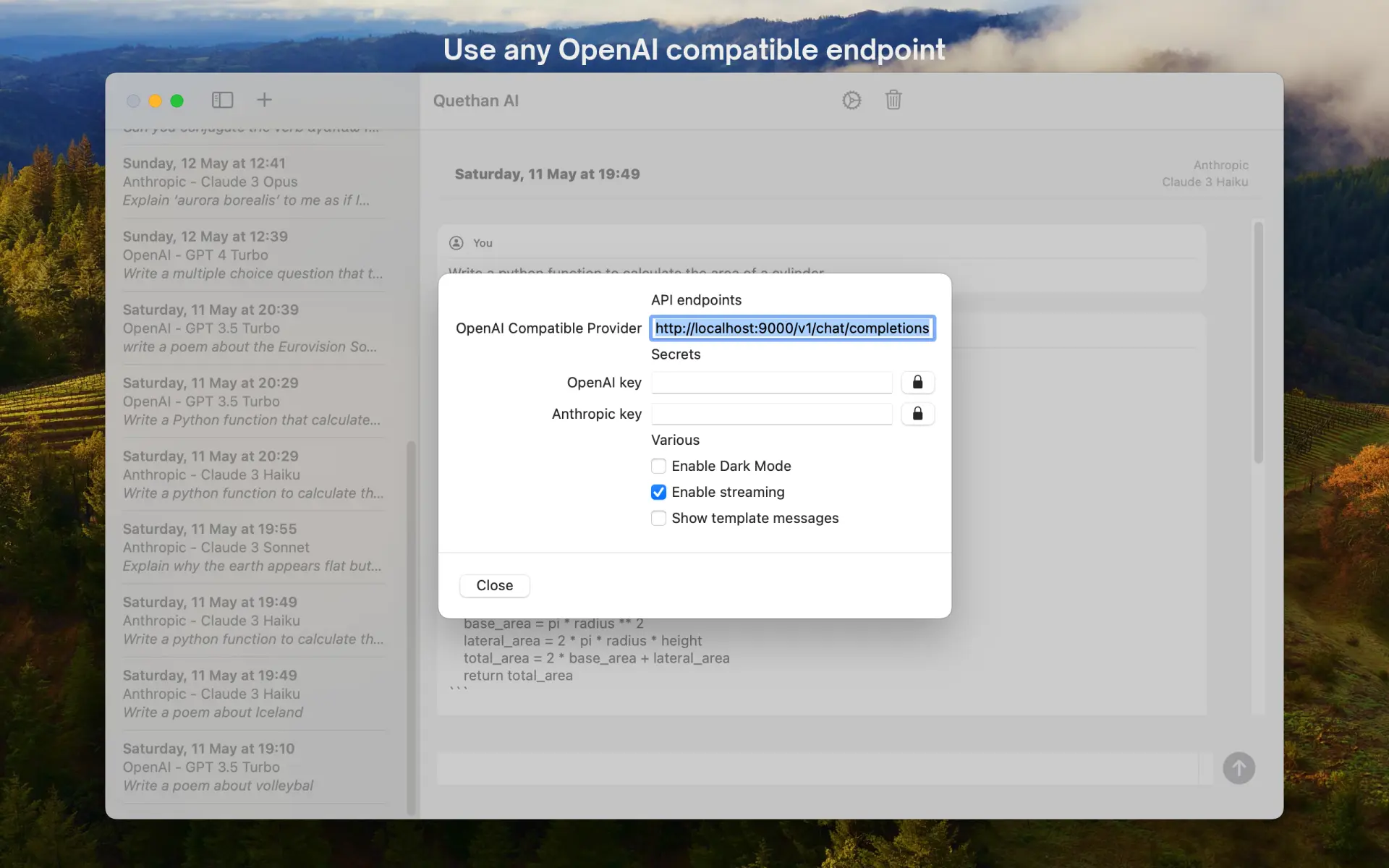
Fully compatible with any OpenAI compatible API, our settings panel allows you to connect with your preferred AI models, whether they are hosted locally or remotely.
Dark mode
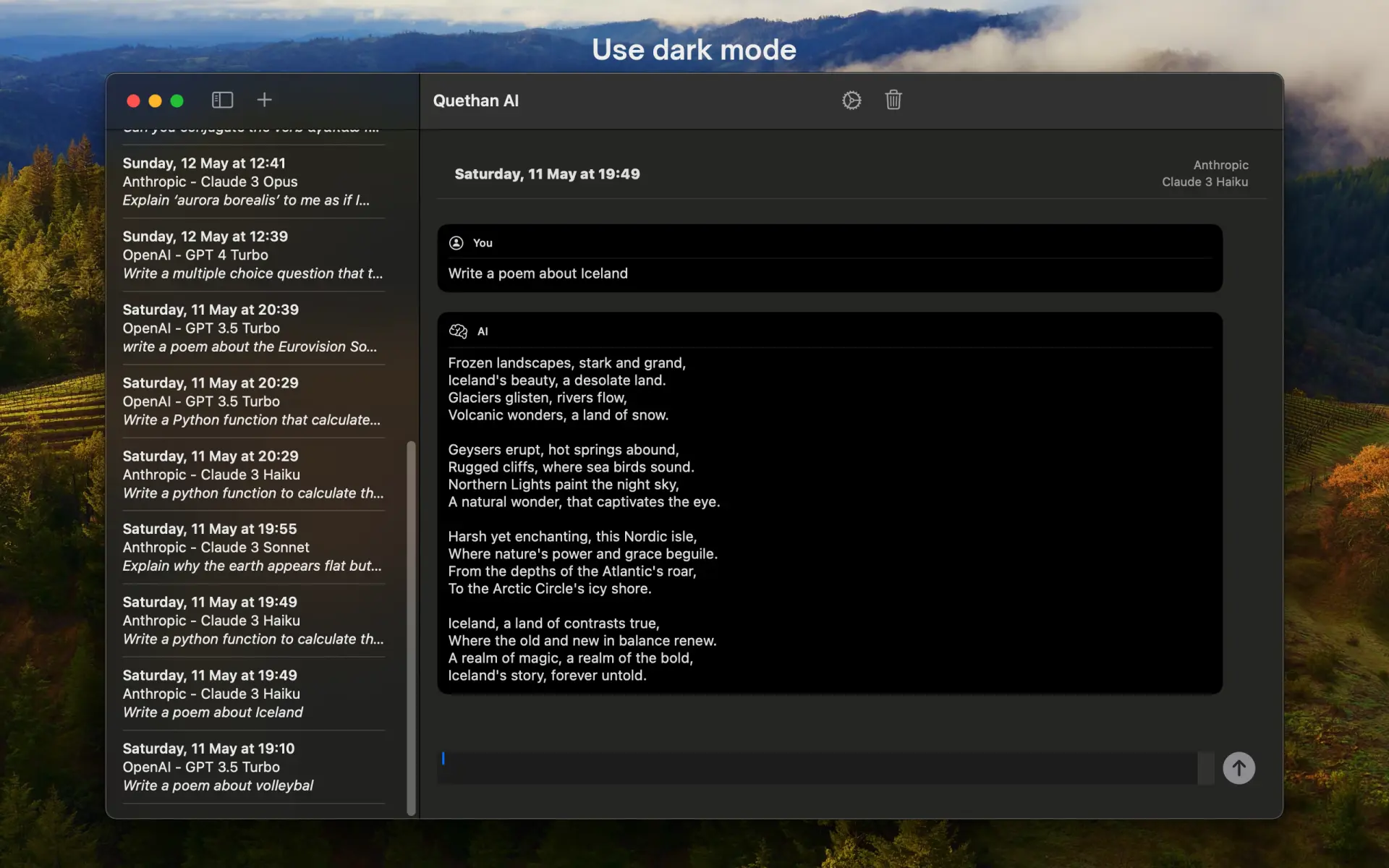
Switch to dark mode for a more comfortable viewing experience during extended use or in low-light environments.